
All apps
iPhone · iPad · Mac · App Store
Calculate 84 AI
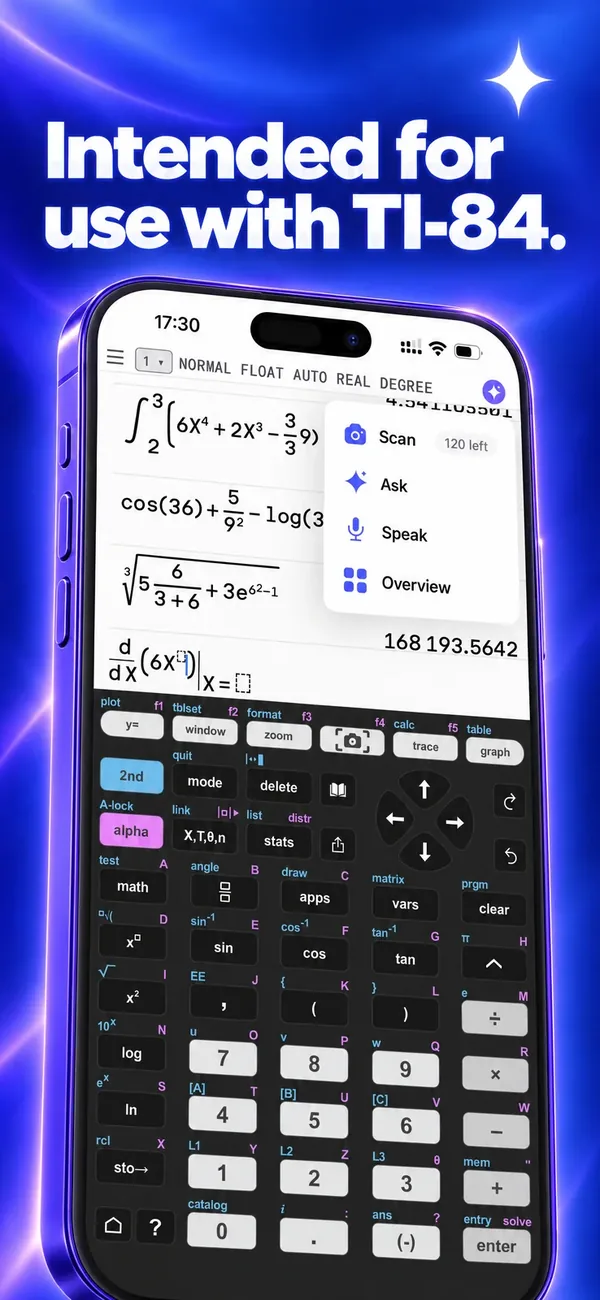
An AI-enhanced graphing calculator intended for use with TI-84. Snap a worksheet, a data table or a handwritten equation and the calculator is set up for you. Ask by text or voice and get the exact keystrokes, step by step, on iPhone, iPad and Mac.
01Features
A complete graphing calculator, enhanced with AI.
AScan
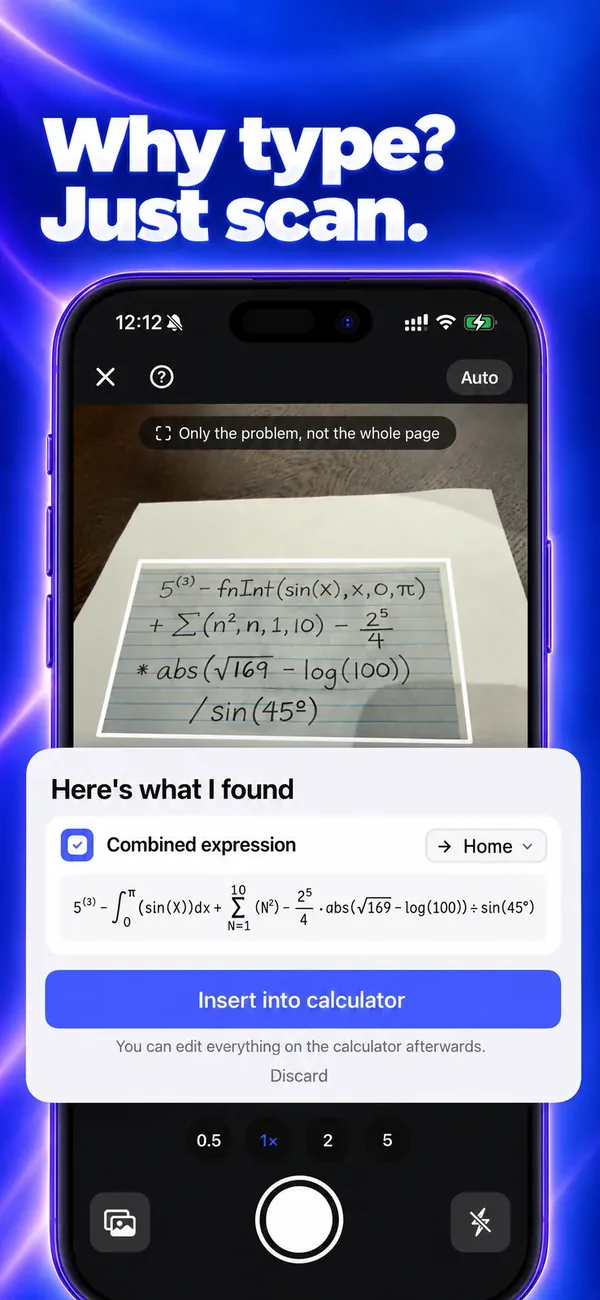
Why type? Just scan.
Point the camera at a worksheet, a data table or a handwritten expression. Data tables go into the list editor, equations into Y=, and the graphing window adjusts to your math. Review the setup, tap Insert and you are ready to solve. A handwritten multi-line formula is read correctly in under 5 seconds.
BAI tutor
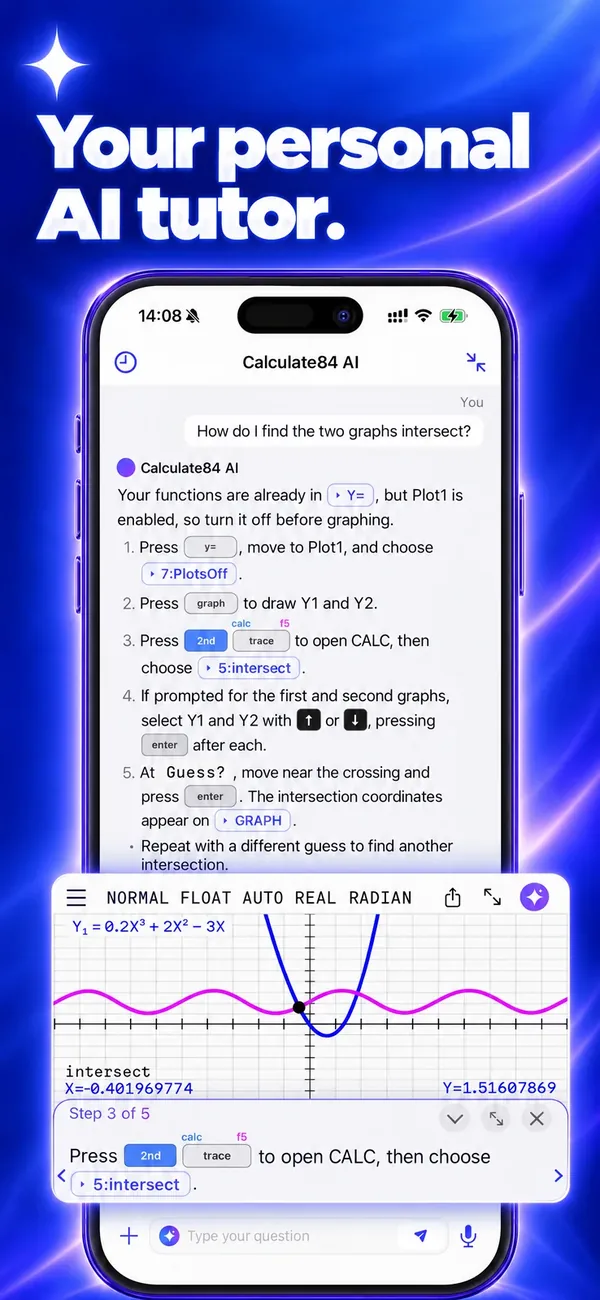
Ask by text or voice. Get the real keys.
Ask how to do something, for example how two graphs intersect, and get numbered steps with the real keys as tappable chips. Tap a chip and the app opens the menu you need.
CGraphing
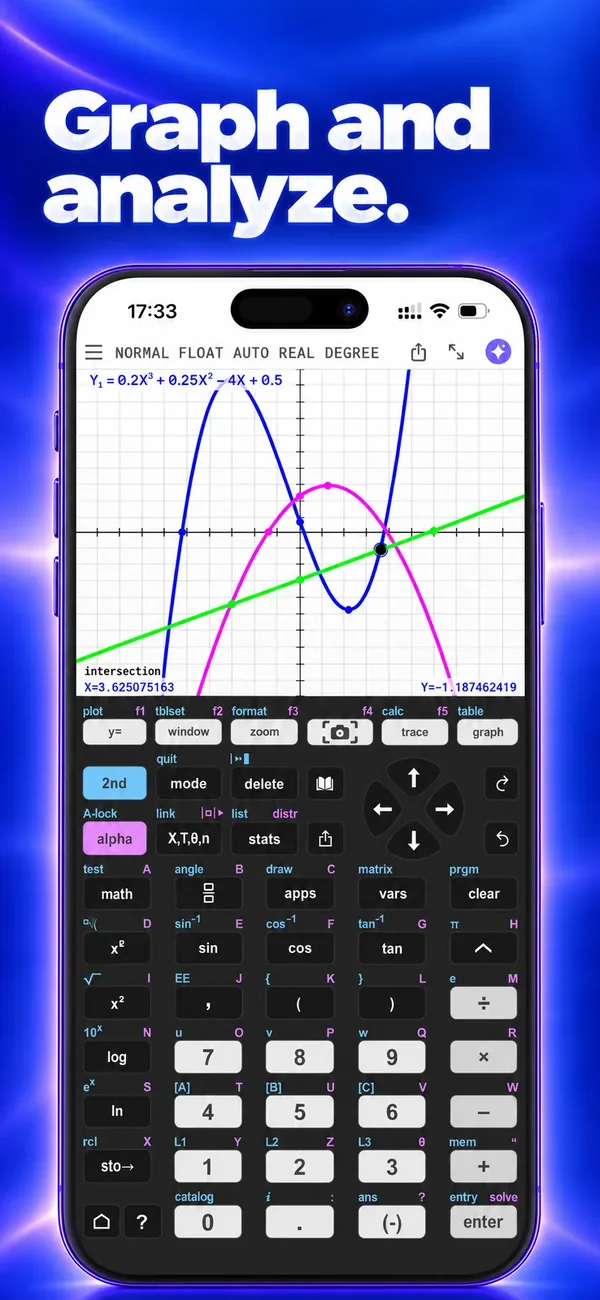
Graph and analyze.
Graph functions, inequalities, parametric, polar and sequence equations. Find intersections, zeros, minima and maxima right on the graph, calculate derivatives and integrals, and choose colors and line styles.
DStatistics and solvers
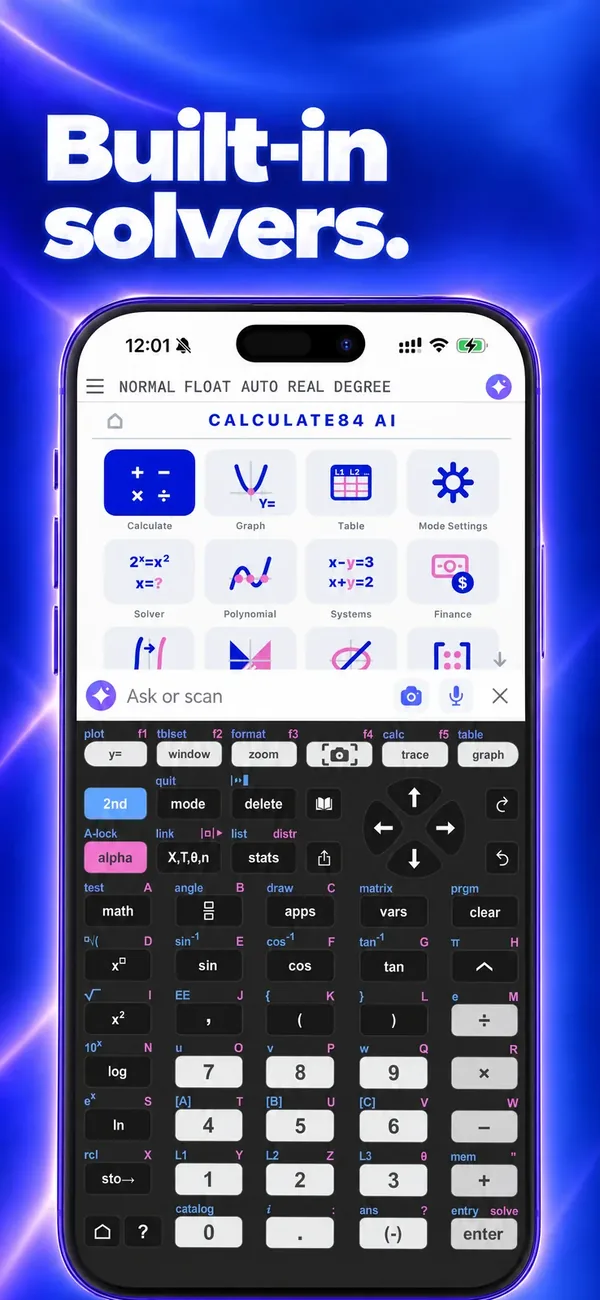
Statistics and built-in solvers.
Run every regression from linear to logistic, use the normal, binomial, Poisson, t and chi-square distributions, and fill in clear forms for hypothesis tests and confidence intervals. Solve equations, polynomials and systems, work with matrices, and use the finance solver for TVM and amortization.
02On the App Store
See it in action.
Download Calculate 84 AI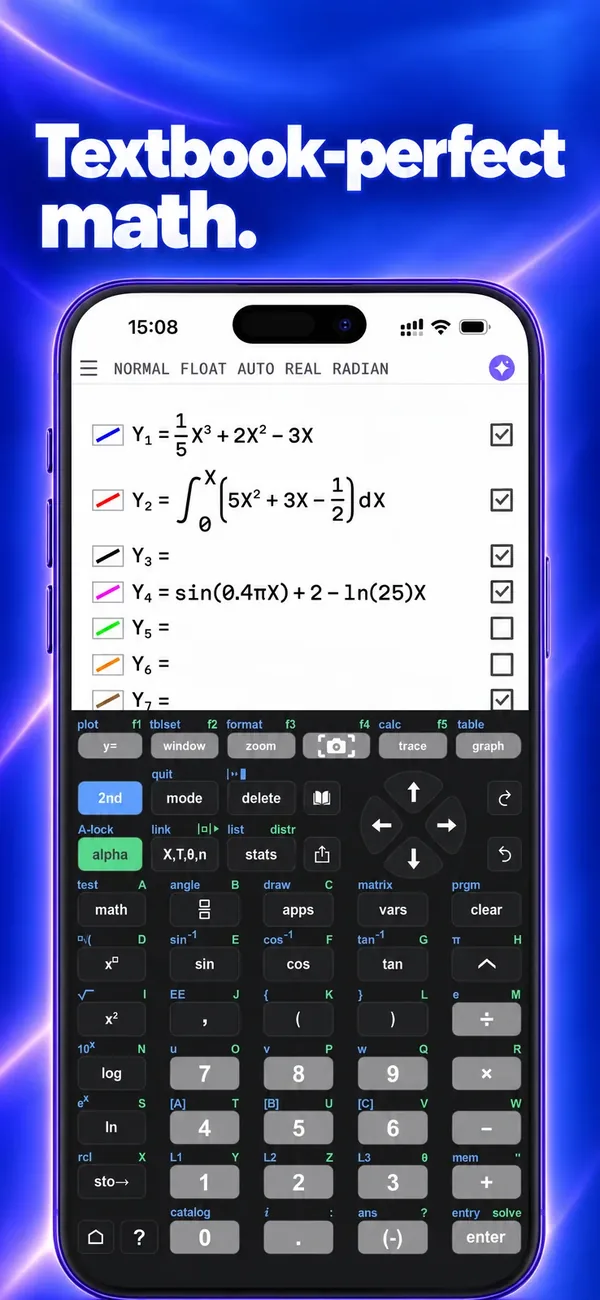
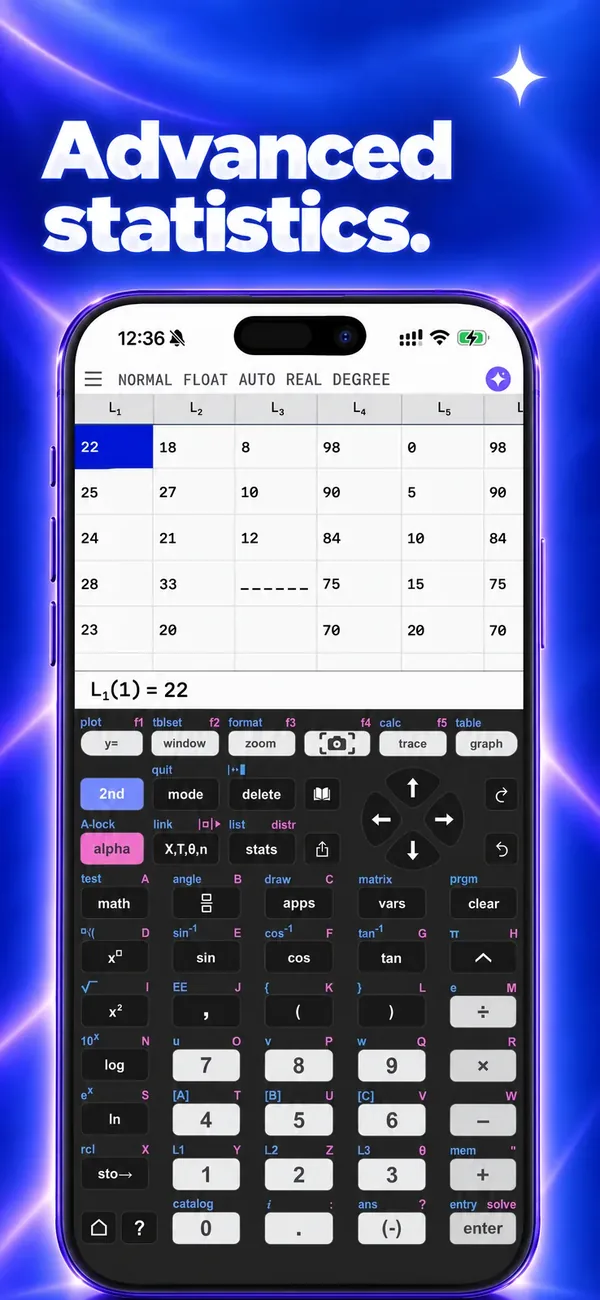

Swipe to see all eight →
03FAQ
Questions and answers.
Which devices does Calculate 84 AI run on?
iPhone, iPad and Mac. You can download it from the App Store.
Who makes Calculate 84 AI?
Calculate 84 AI is developed by Fredinax Tech LLC and is intended for use with TI-84. Fredinax Tech is not affiliated with Texas Instruments.
What can I scan?
Worksheets, textbook pages, data tables and handwritten expressions. Tables go into the list editor, equations into Y=, and the graphing window is set to fit. You review everything before you tap Insert.
Can I ask the tutor by voice?
Yes. Hold the microphone, speak your question and the tutor answers with numbered steps and the real keys.
How do subscriptions work?
The app is free to try with a number of scans and tutor questions included. The Plus and Pro subscriptions add many more, and a one-time purchase unlocks the calculator for good. Payment is charged to your Apple Account. You can manage or cancel a subscription in your Apple Account settings; to avoid the next charge, cancel at least 24 hours before the current period ends. Details are in our terms of use.
Are the AI answers always correct?
AI output can be inaccurate or incomplete. Check important results, for example by working through the steps on your calculator.
What data does the app collect?
Aggregate usage data such as sessions and screens viewed, which helps us improve the app. The app does not collect names or email addresses. See our privacy policy.
Support
Need help with Calculate 84 AI?
Write to us. The app name is already in the subject, so your message reaches the right place.